
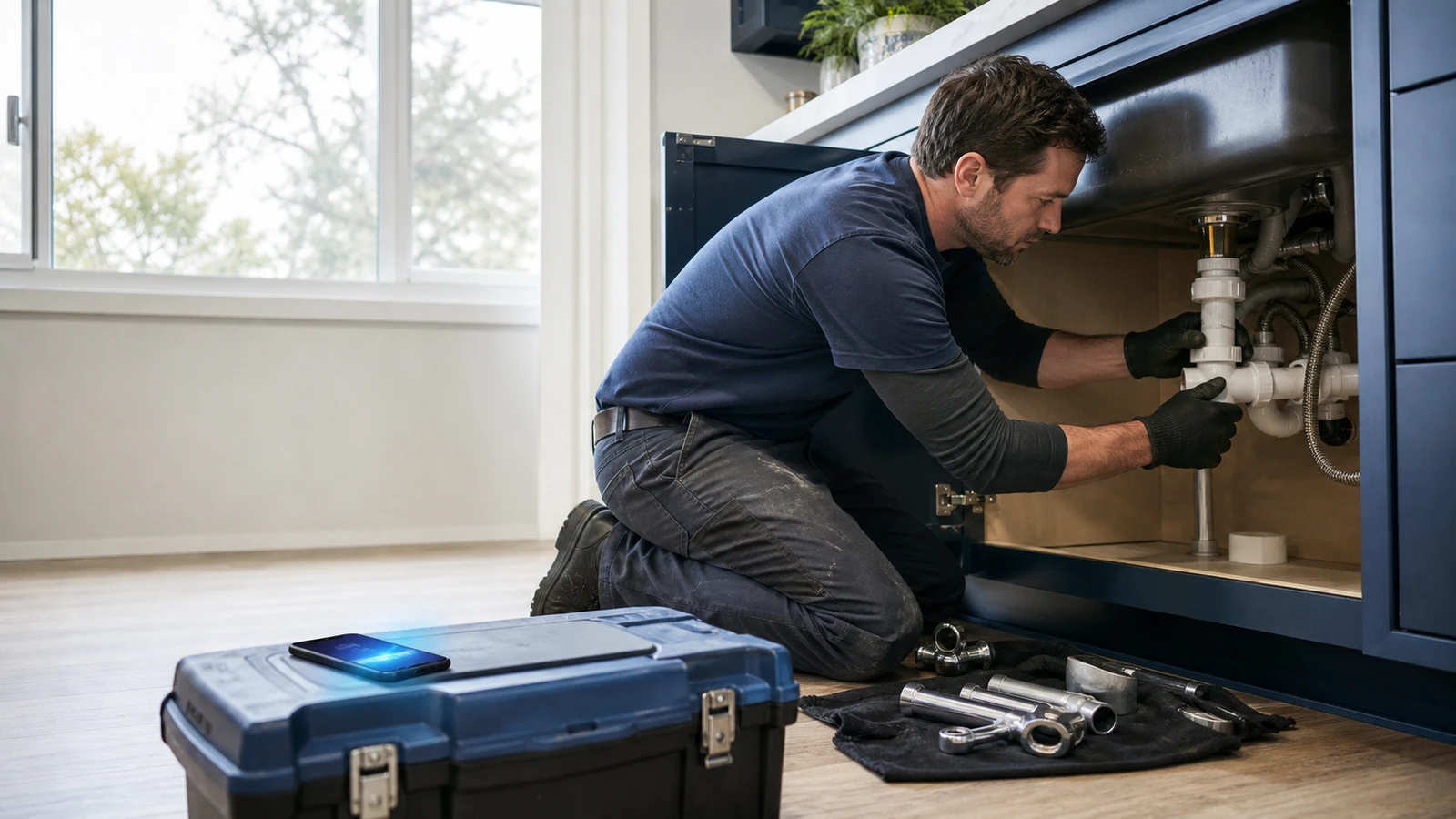
You're elbow-deep beneath a kitchen sink when the phone rings. The shutoff valve's stubborn, the cabinet floor's wet, and the homeowner is watching every drop. You're not ignoring the call. You're trying not to turn a plumbing repair into an indoor pool.
To the caller, none of that exists. They hear five rings and a beep.
That's the trouble with voicemail. It can save a recording, but it can't take the call anywhere. The customer still needs help, your crew still needs context, and the next contractor is only a tap away.
Five Rings, Then a Guess
Voicemail has one trick: it records whatever the caller feels like leaving.
Sometimes you get the whole story. More often, you get, “Hi, this is Mike. Call me back.” No address. No service type. No clue whether Mike wants a faucet replaced next month or has water running through the ceiling right now.
Your team then has to return the call, catch Mike at a good time, and ask the questions that could've been handled during the first ring. If Mike has already reached another contractor, the chase ends before it starts.
Even phone-system data can flatter the situation. Twilio notes that a “completed” call only means a connection carried audio. A person, phone menu, or voicemail box could've answered.<sup>1</sup> The call connected, but the job may still be sitting on the curb.
There's nothing wrong with voicemail when all you need is a recording. Most contractors need a handoff.
A Message Isn't a Handoff
A useful receptionist gives the call some shape while the customer is still on the line. The questions don't need to be long or fancy. They need to match the way your company works.
What changes during the call
- Why the customer called: Voicemail captures whatever the caller volunteers. An AI receptionist asks a short, relevant question.
- Service location: Voicemail often leaves it out. An AI receptionist collects the address or ZIP code.
- Urgency: Voicemail buries it in a recording. An AI receptionist applies the company's urgency rules during the call.
- Customer status: With voicemail, someone figures it out later. An AI receptionist captures whether they're a new or existing customer up front.
- Human handoff: Voicemail waits for a callback. An AI receptionist attempts the approved transfer.
- Failed transfer: Voicemail creates another dead end. An AI receptionist keeps the intake and follows the fallback rule.
- Dispatch record: Staff replay a voicemail message. An AI receptionist produces a structured summary when configured.
The difference shows up after the call. With voicemail, your dispatcher starts from scratch. With a defined intake flow, your dispatcher starts with a name, a place, a problem, and a next step.
The Sonira home-services demo puts that flow into a contractor setting. You can hear how the receptionist gathers useful details without making the caller sit through the verbal equivalent of a tax form.
The Dispatcher Test
Here's the test: can the next person act without replaying the call or ringing the customer back to ask the first five questions again?
For a typical home-service call, the useful record includes:
- The caller's name and best callback number
- The service address or ZIP code
- The type of service and a short description
- Whether they're a new or existing customer
- The urgency and the next step they were given
Your version may be shorter. A plumber might separate an active leak from a fixture estimate. An HVAC company may ask whether the home has no cooling or needs routine maintenance. An electrician may need a safety escalation before anything else.
The point isn't to interrogate the caller. It's to keep dispatch from playing detective.
Routing gives those details somewhere to go. Twilio defines call routing as sending calls to a queue using predetermined criteria.<sup>4</sup> For a contractor, those criteria might include urgency, service area, time of day, or whether the caller already has a job on the schedule. Sonira's call-routing guide for service businesses walks through transfers and fallback paths in more detail.
Reachability Is Part of the Sale
Customers don't separate your phone workflow from the rest of the service. If they can't reach you, that friction becomes part of their first impression.
BrightLocal found that 85% of consumers consider contact information and opening hours important when researching a local business, and 46% call them very important.<sup>2</sup> ServiceTitan makes the contractor version even plainer: the customer experience runs from the first phone call to the final payment, while another estimate is only a search, call, form, or chat away.<sup>3</sup>
That first call sets the tone. When it ends at a beep, the caller has no clear next step and no reason to stop dialing. When it ends with a useful intake, your team can follow up with the problem already half unpacked.
Nobody needs to book every caller on the spot. The win is simpler: find out why they called, sort urgent work from routine work, and keep good opportunities from disappearing into a shared voicemail box.
Where AI Should Get Out of the Way
AI reception works best on repeatable ground: answering, collecting approved details, checking basic service criteria, attempting a transfer, and documenting what happened.
Judgment-heavy calls still belong with people. An angry customer, a complicated estimate, a safety concern, or an exception to company policy may need a dispatcher or manager. A good call flow spots those moments early and gets out of the way.
That's the healthy split. Let the receptionist carry the routine first mile, then hand your team the map.
One Call Path Worth Fixing
You don't need to rebuild the whole phone system by Friday. Pick one call your team regularly misses and map the path from ring to next step.
Suppose a new customer calls while everyone is busy. Sonira answers, gathers the name, callback number, service type, location, and urgency, then tries the approved transfer. If nobody picks up, the intake stays intact, the caller hears what happens next, and the callback owner gets the details.
Test that path with real calls. Listen for awkward questions. Miss the transfer on purpose. Check the fallback. Make sure dispatch gets enough context to move without a second round of twenty questions.
If that one path works, add the next one. Sonira for Raleigh home-service contractors is built for that kind of focused rollout: one call type, one set of rules, and one clean handoff at a time.
Keep your hands on the job. Let the phone earn its keep.